Product
From inquiry.
To finished items.
Framework reads customer documents, prepares the units and lets you refine them before handing them over to your factory system.
The same drawing.
Now as data.
Dimensions, divisions, opening directions and quantities. Framework recognises them in the context of the whole inquiry.
- Item
- Op4
- Dimensions
- 150 × 240 cm
- Quantity
- 1 pc
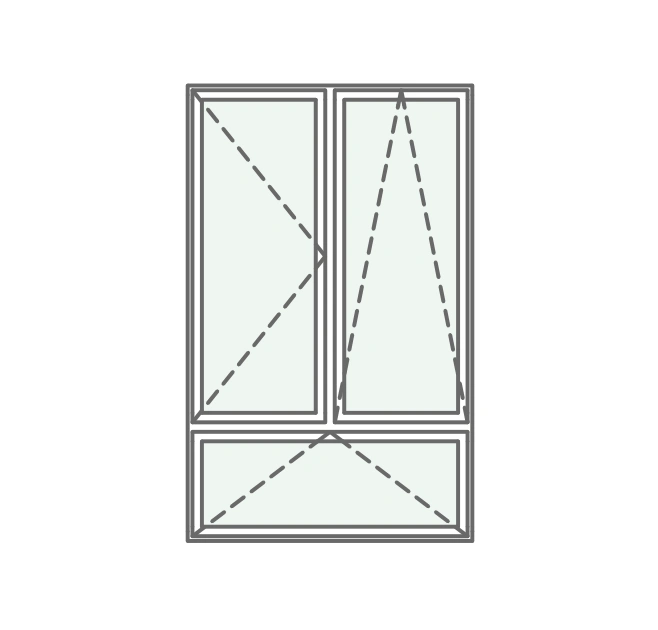

Drawing from a project inquiry and a render of the same item from the application.
The original alongside.
The decision is yours.
The recognised unit and the drawing from the inquiry sit side by side. You check dimensions, divisions and opening without switching between documents.
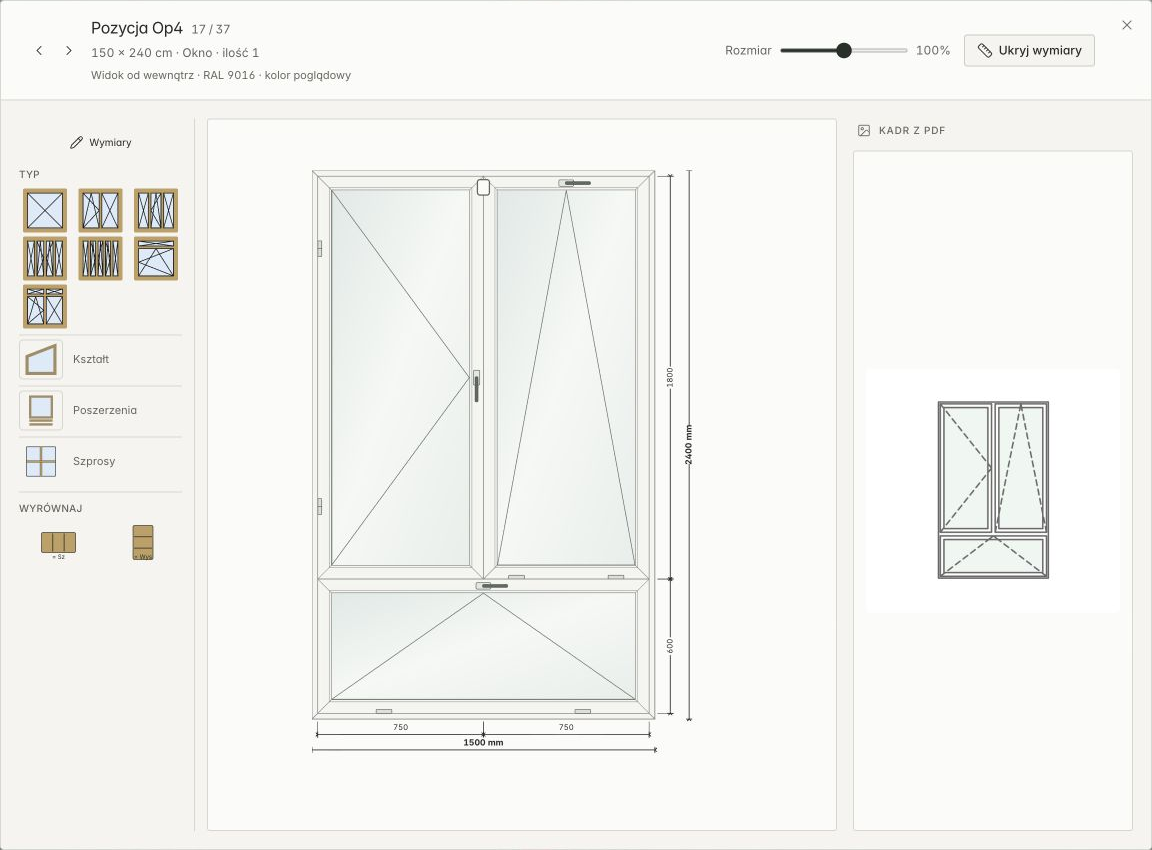
Click the window.
Refine the details.
Pick glazing from your catalogue and see its parameters. Apply a change to one pane, a whole item or many windows at once.
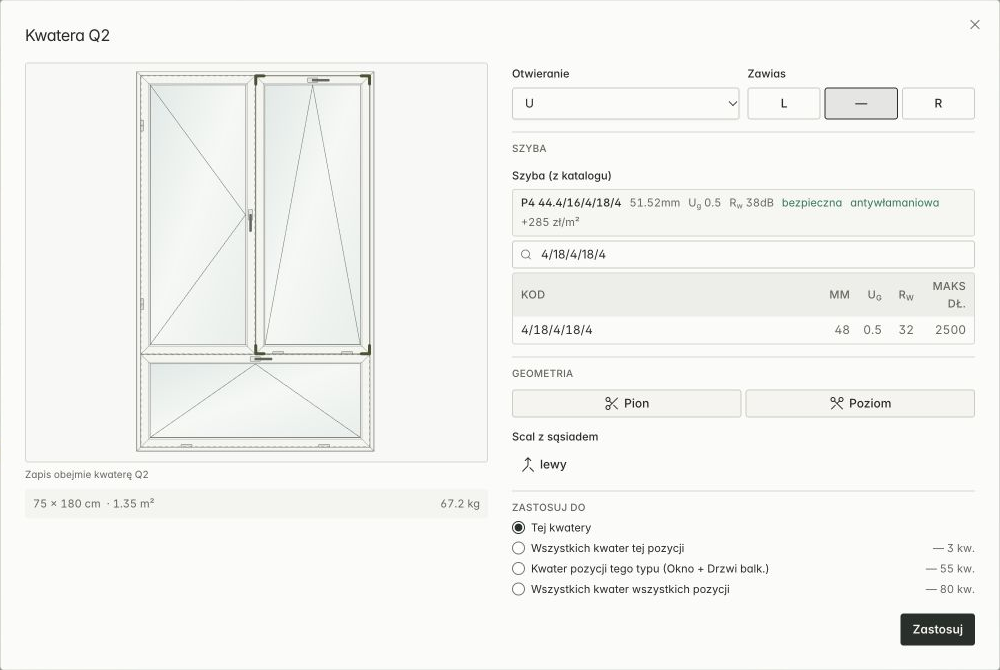
Customer wants another variant?
Create another version of the quote and change the profile, colour or glazing, reusing the items already prepared.
Once checked,
into your system.
Download a file or transfer the items directly. We define the integration scope for the system and configuration you use.
See how implementation worksLet's test it on your inquiry
Best seen
with your own eyes.
Bring a document your team typically receives.
We will show you how Framework prepares it for pricing.